GPT Images

LESS FRICTION. MORE IMAGINATION.

GPT Image 2.5
Make it look like your idea.

From a first thought to the finer details. Explore with Flare, craft intricate details with Sunburst, then refine your images with a reference and a few well-chosen words.

Strictly Prohibits Adult/NSFW Content

Checking studio availability…

Add inputsAttach images, videos, or audio that are part of what you want to create.
0/1

JPG, PNG, WebP · 20 MB max

Just add the material you need. The generator will use it automatically.

0 / 5000
Describe the subject, composition, lighting and exact text. Upload one image to edit. Medium quality; one PNG per run.
Choose modelCompatible models · settings update automatically

Only live routes are selectable. Your prompt stays in place when you switch.

Aspect ratio
Resolution
Prompt detail
This generation−4creditsCost guide

Your image will appear here

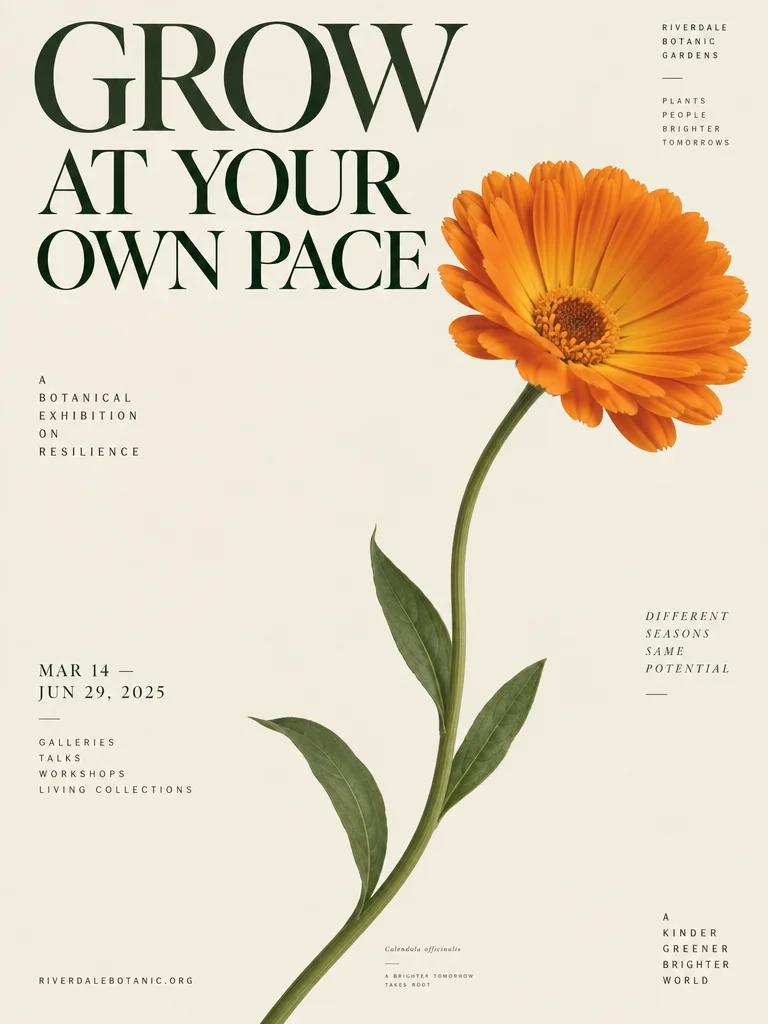
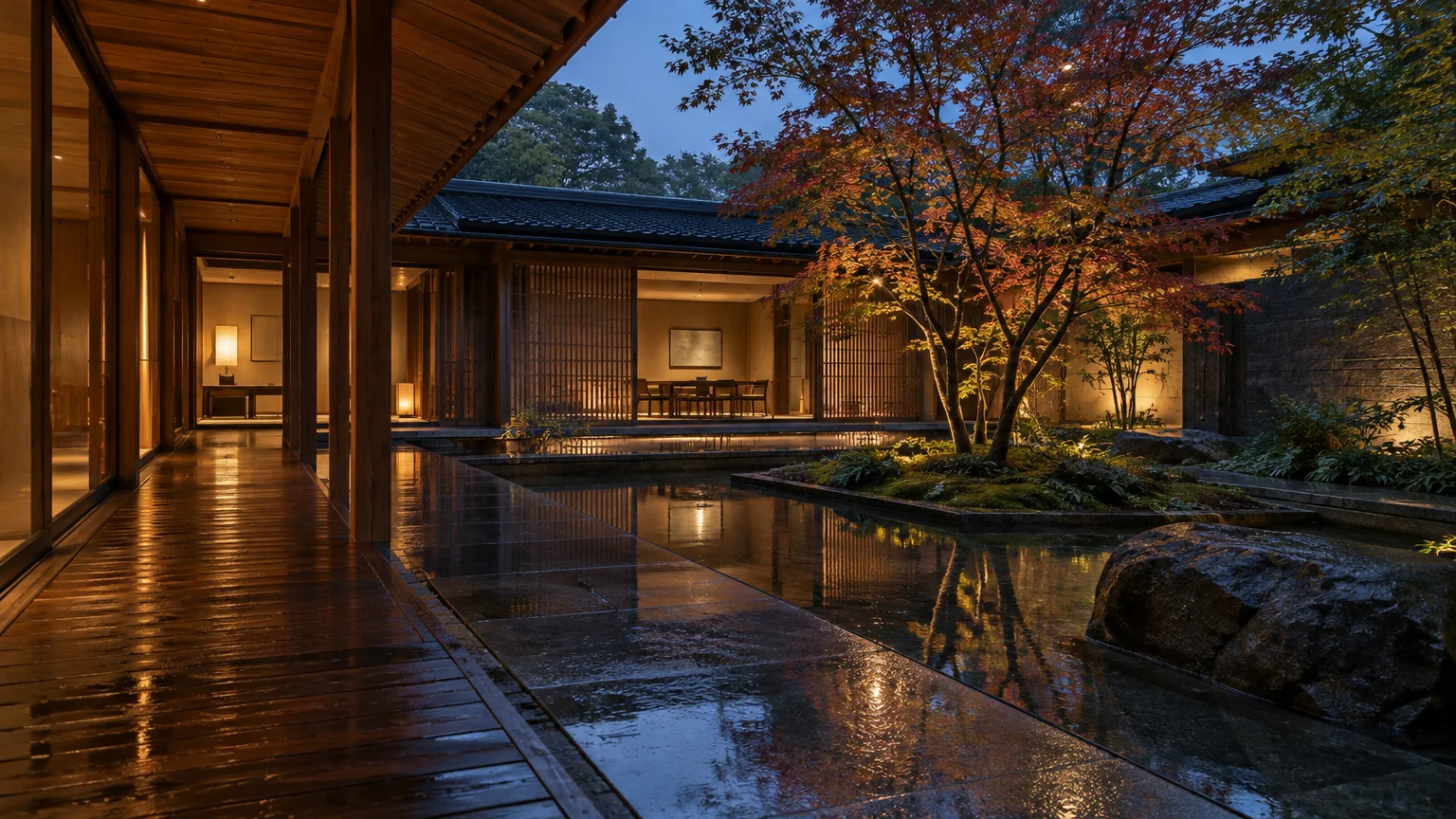
Flare from 4 credits · Sunburst from 6 · Medium quality. Reference image optional: a prompt alone creates a new image. Add an image to edit it; remove it to return to text-to-image. Background image: Actual Flare output · medium quality · September 9, 2026.

TWO MODELS. ONE WORKSPACE.

Choose your GPT Image 2.5 starting point.

DEFAULT

Flare — explore the idea

Start here for everyday product imagery, social content and visual experiments. Text-to-image: 4 credits. Reference editing: 6 credits.

PRECISION

Sunburst — refine the details

A detail-focused option for premium imagery and precise edits. Allow more time for generation. Text-to-image: 6 credits. Reference editing: 8 credits.

IN YOUR CONTROL

Same brief, different direction

Switch models without rewriting your prompt. Both use medium quality, five canvas shapes and one reference image for editing. Check the quote before every run.

CHANGE ONE THING

A new color. The same idea.

Actual Flare generation → edit

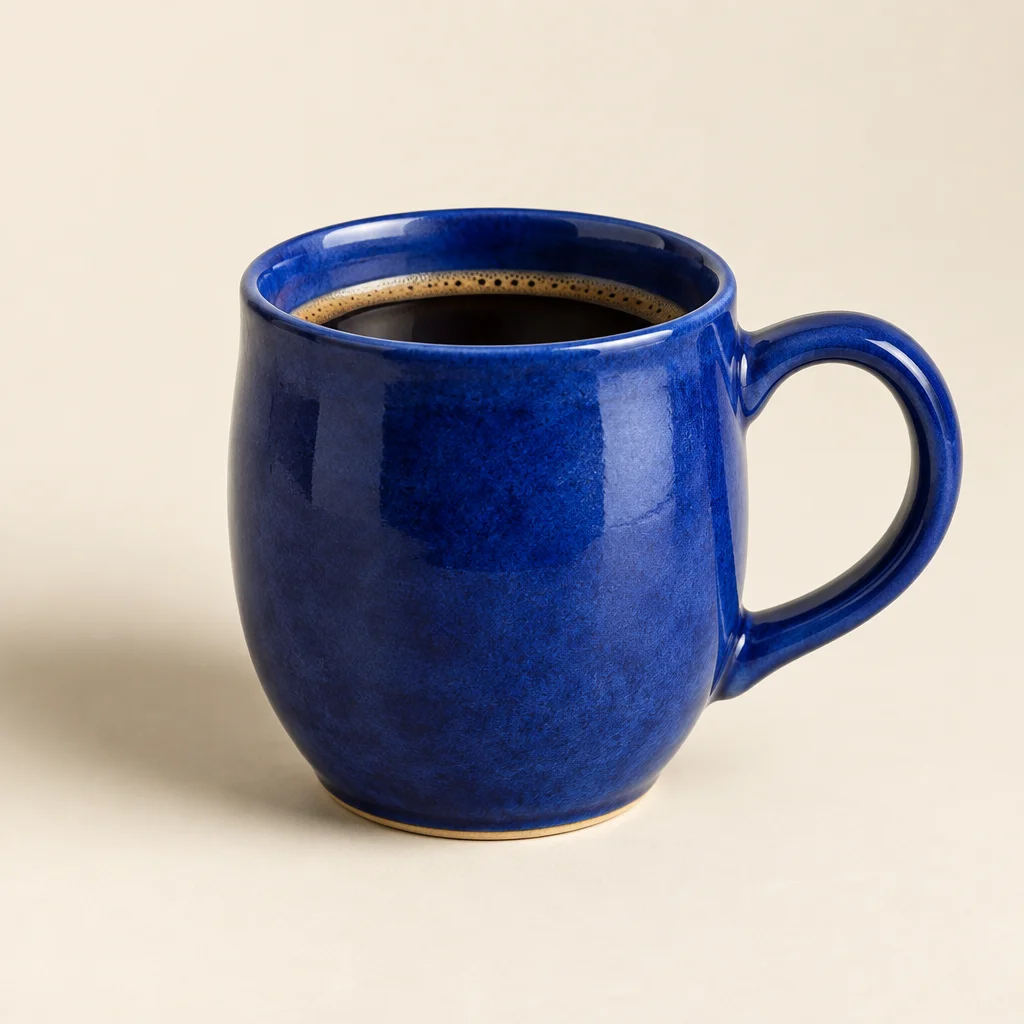
Original GPT Image 2.5 example: cobalt-blue ceramic coffee cup
01 — Generated from a text brief
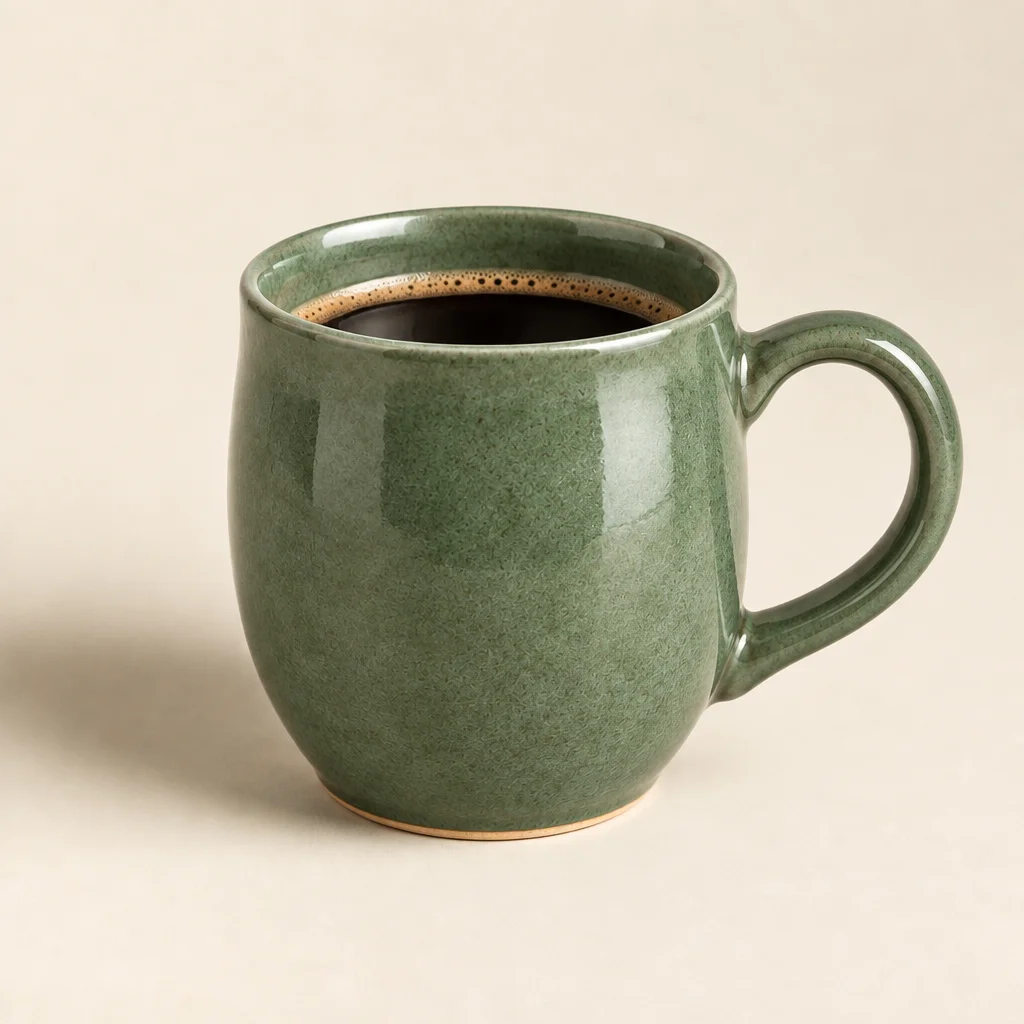
GPT Image 2.5 Flare edit: cup changed to sage green, preserving the composition
02 — “Change only the cup glaze to sage green”

One real test, not a guarantee: always inspect what changed and what stayed.

GPT IMAGE 2.5 SUNBURST EDITING

A different setting, not a different product.

Actual Sunburst generation → edit

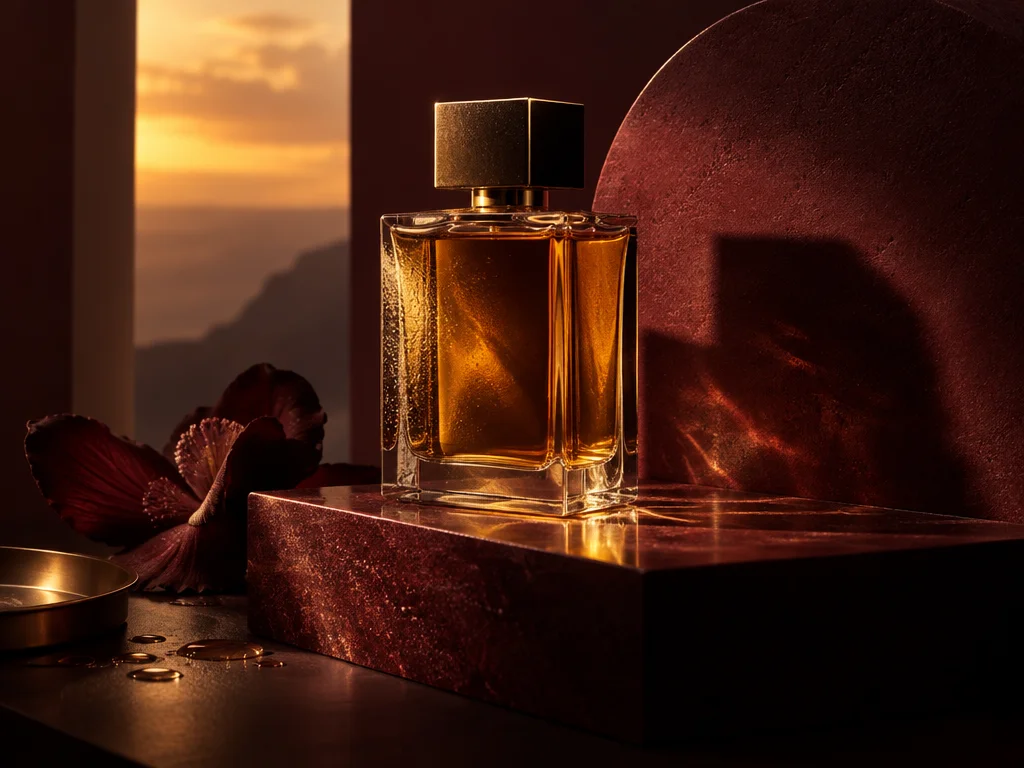
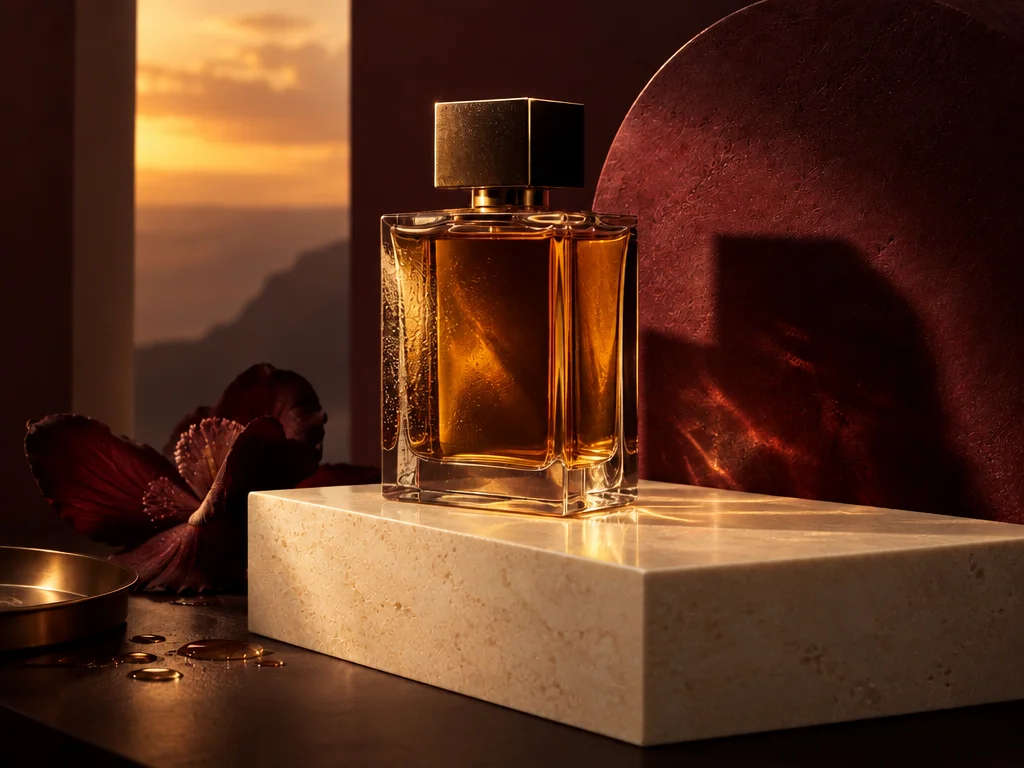
Sunburst perfume photography on a burgundy marble plinth
01 — Original Sunburst product concept
Sunburst reference edit replacing the burgundy plinth with ivory marble
02 — Replace the plinth with ivory marble; preserve the bottle

A real reference-edit example. Review the complete image: an edit can change more than the requested detail.

A BETTER STARTING POINT

Less guesswork.
More creative control.

01

Create from a clear brief

Describe the subject, materials, camera angle and lighting. Add the exact words you want in quotation marks.

02

Refine, rather than restart

Upload one reference and name what should change and what should stay. Review identity, small details and text after every edit.

03

Know the cost first

Flare costs 4 credits per image or 6 per edit. Sunburst costs 6 credits per image or 8 per edit. This studio uses medium quality and one image per run, with no hidden quality upgrades.

GOOD TO KNOW

A few things,
before you create.

Start with a clear brief, choose a canvas, and refine the details. GPT Images is an independent image workspace with Flare and Sunburst models. Generate from text or upload one image to edit it without starting over.

What is GPT Image 2.5?

GPT Image 2.5 is the focus of this independent creation studio. The available models are GPT Image 2.5 Flare and Sunburst, available in this studio. This website is not ChatGPT and is not affiliated with OpenAI.

Which version is selected by default?

GPT Image 2.5 Flare is selected by default for both generation and reference-image editing. Choose Sunburst for detail-focused work. This studio does not silently substitute GPT Image 2 or another model.

How many credits does an image cost?

Flare costs 4 credits per image or 6 per edit; Sunburst costs 6 or 8 respectively. Each run creates one PNG at medium quality. The workspace displays the total before submission.

How do I edit an existing image?

Upload one image that you have permission to use. Describe the desired change and explicitly list details to preserve. The workspace selects the matching editing route.

Can I use the output for client work?

Review applicable service and provider terms, and check that you have rights to the input materials. Inspect generated text, logos and recognizable people before publication. Outputs are not guaranteed to be unique or error-free.

Does my ChatGPT subscription work here?

No. This is an independent service with separate accounts and credits. Your ChatGPT subscription does not include usage here.